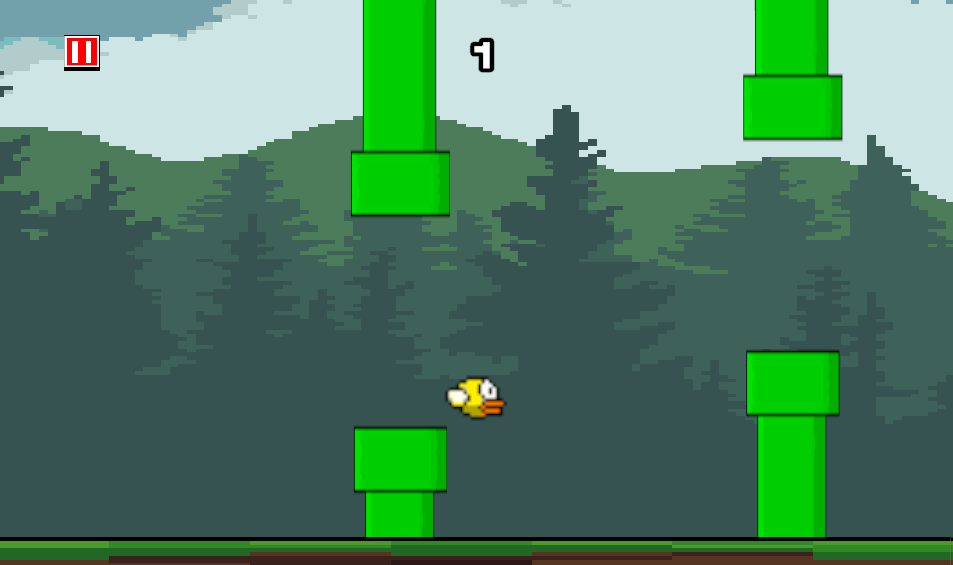
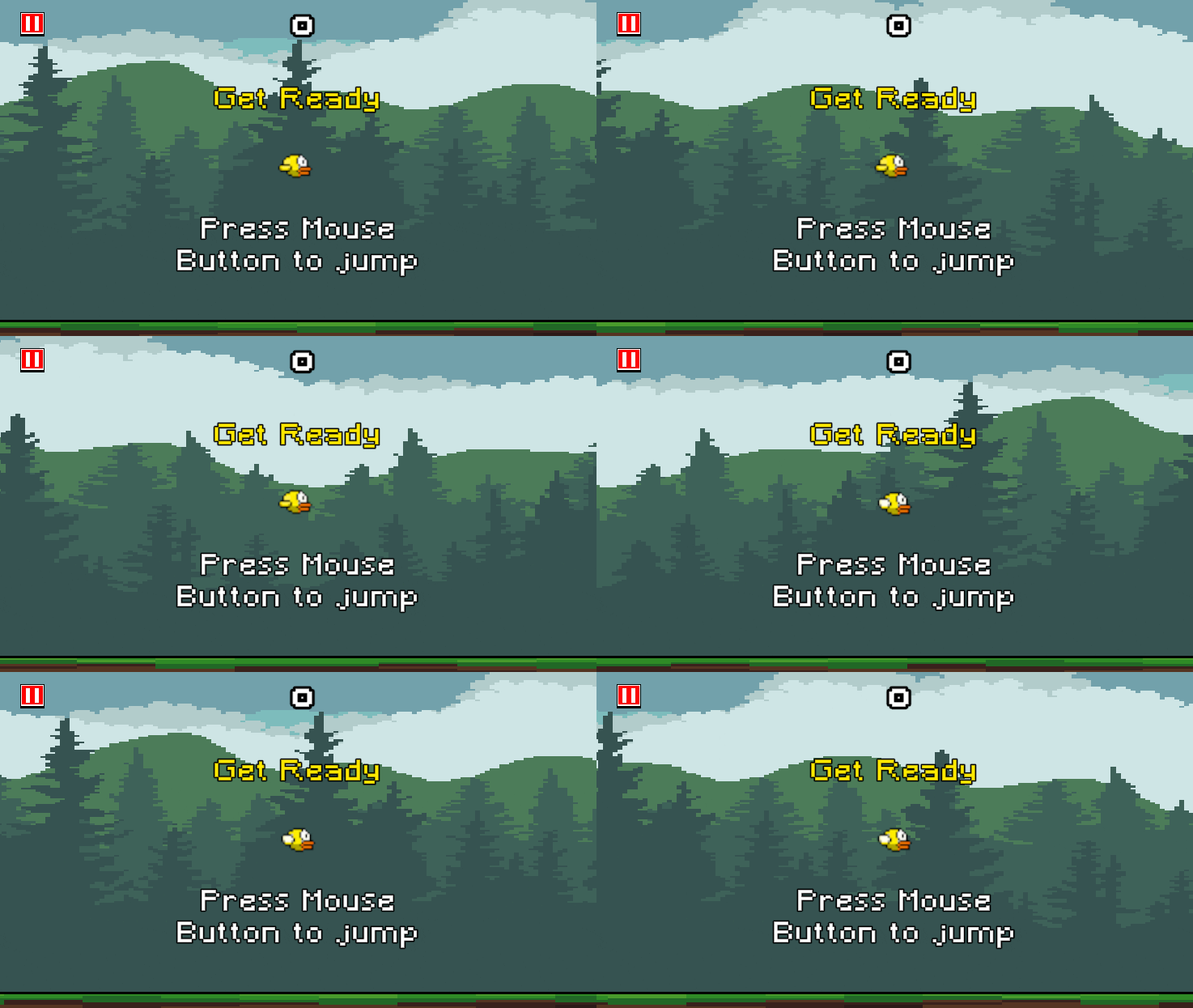
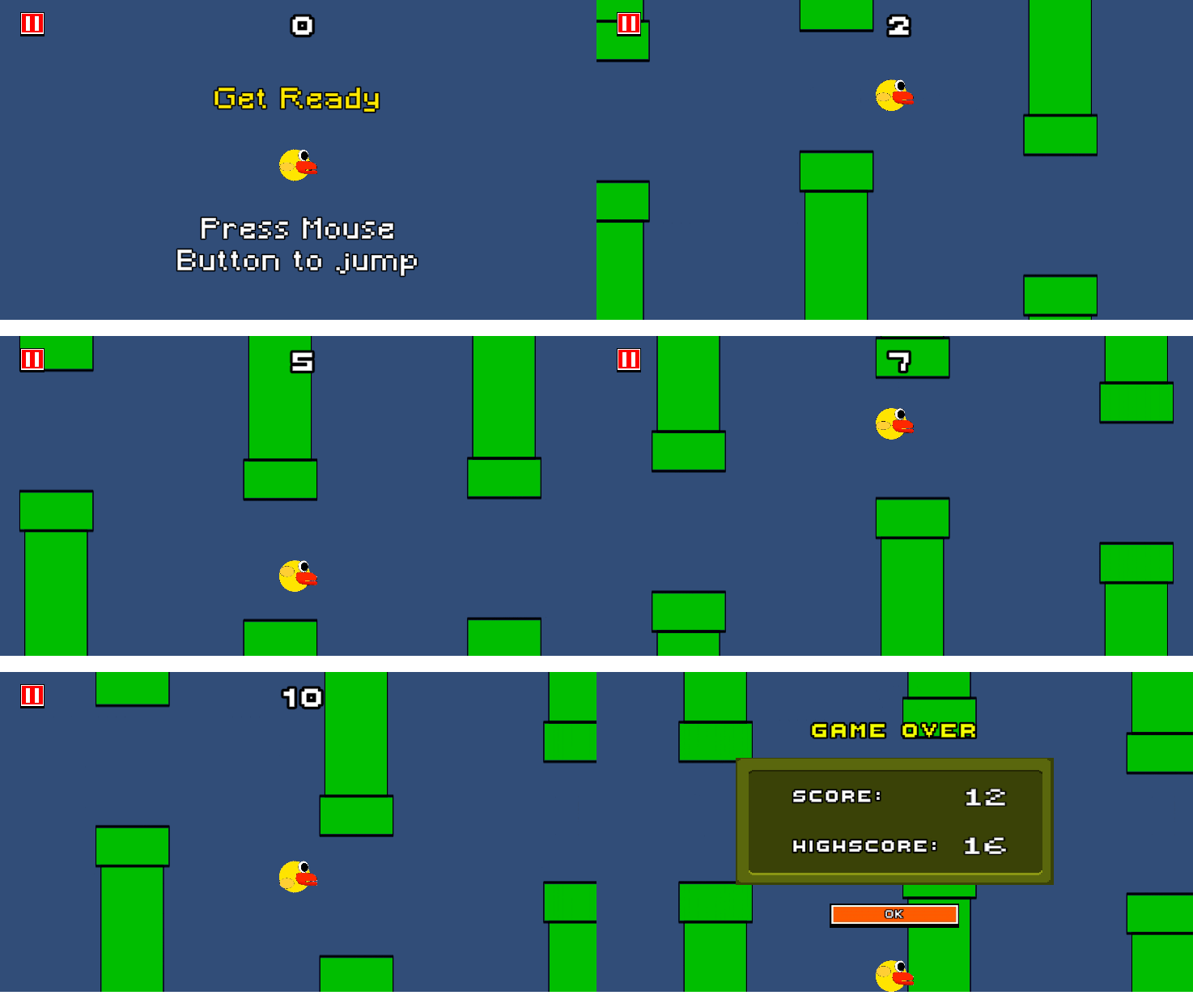
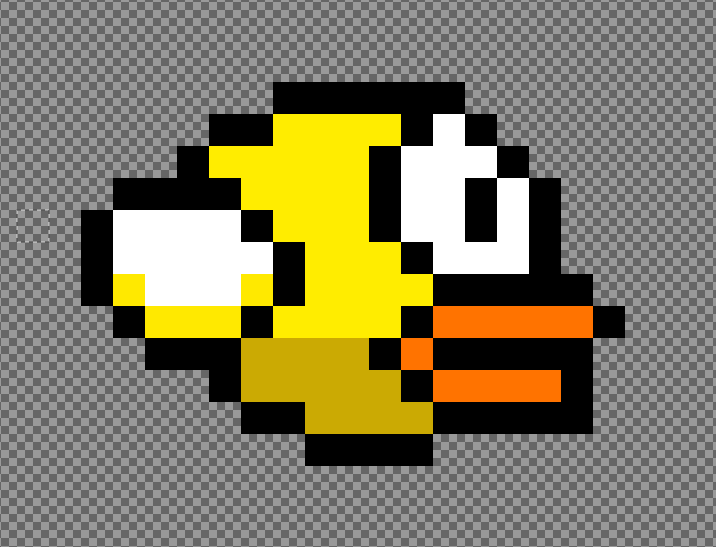
My first full development cycle game I made in Unity, With a mix of self made pixel art and 8-bit audio and assets from the asset store.

My first full development cycle game I made in Unity, With a mix of self made pixel art and 8-bit audio and assets from the asset store.
Having trouble loading the game? Play directly on Itch.io
During development, I encountered several technical and design challenges that tested my problem-solving skills and pushed me to learn new concepts.
Designed a modular pipe system using a single prefab that extends beyond screen boundaries, allowing vertical repositioning for varying heights. The solution uses fixed collision boxes for different interaction types. The algorithm randomly determines the bottom pipe height, places a scoring trigger box above it, then positions the top pipe to cover the remaining screen distance. This approach ensures consistent gap sizing while enabling future features like adjustable score zones.
Encountered a critical issue where background animations continued running despite game state changes. Discovered that static variables provide cross-component data sharing compared to inheritance patterns. Refactored the codebase to implement a static game state variable, which streamlined state management and enabled precise control over game start/stop functionality across all game objects.
Creating seamless infinite scrolling for backgrounds and pipes without memory leaks. Learning object pooling to efficiently reuse game objects.
Reflections were formed after reading C# styling guide
Use of serialized variables to tidy up the inspector. Could use to limit amount of variables showing up in the inspector.
Use of more Scripts to simplify each scripts. By the end of the project i had made multiple scripts that had methods not related to the script name.
Always break down code into methods where possible. Began having long sections of code that could have been put in a method to allow the main line of code easier to follow.
Could have used BEM naming convention. Could have better named ui elements to allow easier editing.
Could have avoided making a God Object. One of my scripts ended up being the parent of the others in an attempted to share the gameState variable, which bloated up the inspector. The solution I had was to use Static on the gameState, so in the end I could have used a dedicated GameManager Script.
Found out the use of tooltips. Can add better descriptor into the inspector making it easier to see at a glance.
Could have used the KISS principle. Using this would have helped me simplify my methods and scripts, making problem solving easier and future revisions easier.
If I was to revisit this project I would Refactor my code, making it easier to read and edit in the future following the principles I've learned and would also stick to a standard format for my code.