TableTop Tracker screenshot

TableTop Tracker 2.0

TableTopTracker 2.0 is a revised version of my original TableTopTracker app that I made in unity. This version is made using Flutter and Firebase so I could Develop for multiple platforms and learn a new framework and how to use databases in my apps. The app allows users to track the scores and sync to there opponents in real time. It also has a local mode that allows users to play on one device without internet.
Technologies Used

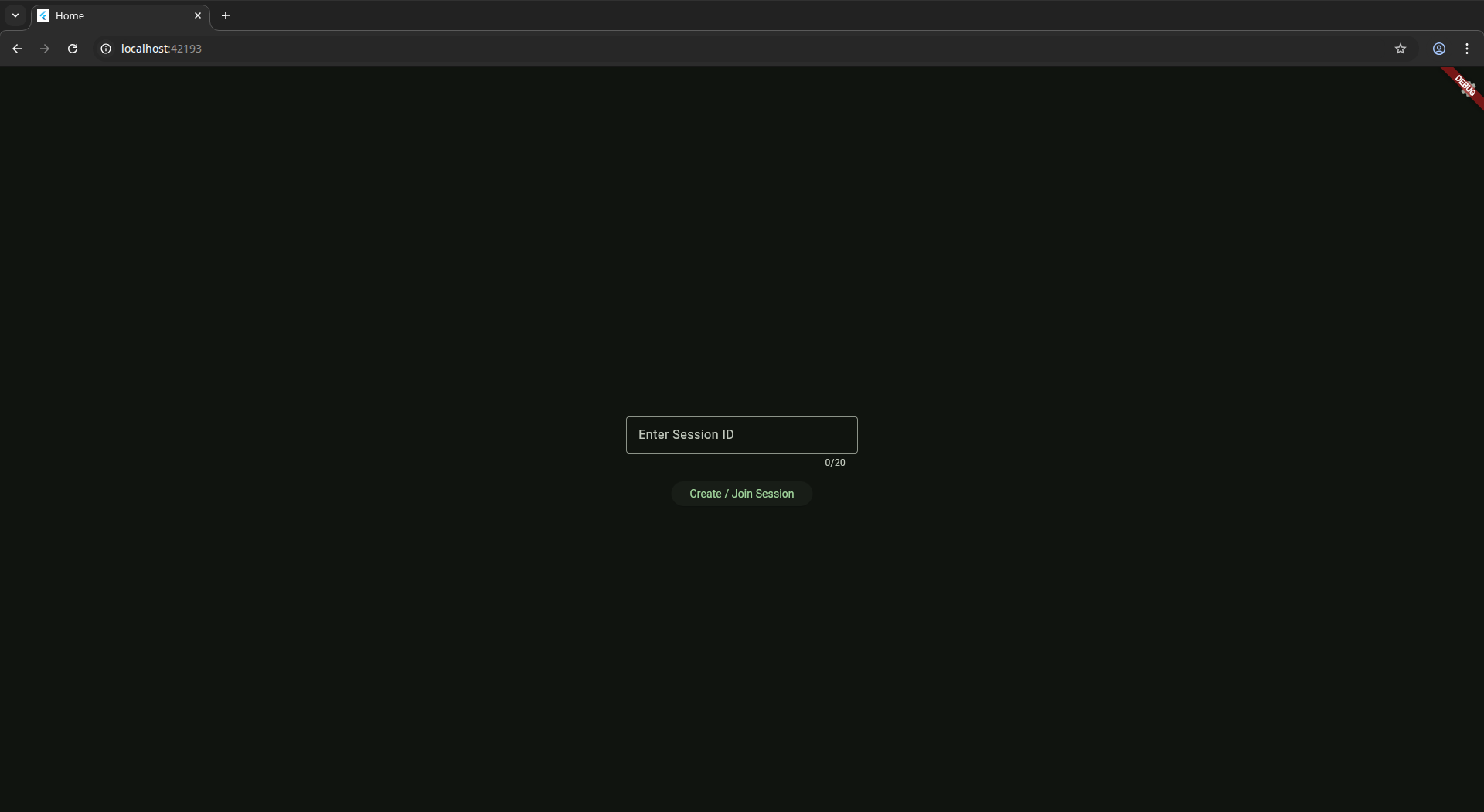
TableTop Tracker 2.0 home screen
Home page of the app for typing in the session id
Local offline gameplay demo
Online multiplayer demo
Demo for adding background images
Light and Dark theme toggle
Dynamic theme customization

Having trouble loading the game? Play directly on Itch.io

Challenges Faced

During development, I encountered several technical and design challenges that tested my problem-solving skills and pushed me to learn new concepts.

📚

Understanding dart and the flutter framework

I found it difficult to adjust to the dart language, I found it very abstract making you have to learn the names of components and widgets to be able to use them effectively. I overcame this by following the official flutter documentation and tutorials to get a better understanding of the framework and how to use it effectively.

🔄

Backend management

I found it difficult to manage the relationship between the frontend and the backend, I eventually added a interface to manage this easier when I implemented local mode that meant I could call functions to update the data base rather than accessing directly.

🔧

Setting up local mode

To allow easy swap between local and online modes I had to create a interface to manage what to do with the data from the app. This meant I had to Refactor a lot of my code to allow this to work effectively.

Reflections

👥

Usefulness of user feedback

I learned that user feedback is invaluable in the development process. It helps identify pain points and areas for improvement that I may not have considered.

🏗️

Importance of planning program structure

It would have been easier to plan to have a interface to manage the relationship between the frontend and backend from the start rather than having to refactor my code later on.

🎯

Learning new frameworks

I learned that picking up new frameworks can be challenging. Embracing the learning curve and seeking help from the documentation can make the process smoother.

📱

Planning for different devices

I learned the importance of planning for different devices and screen sizes from the start. This helps ensure a consistent user experience across all platforms.

Future Improvements

If I go back to the project, I would like to progress to my further requirements to make it a more complete app. This could include adding the ability to change game missions and add more tabletop features into the app.